PIXADU • BROWSER GAMING
Grand Theft Auto
Vice City
Welcome back to the 1980s. Build your criminal empire, explore the neon streets, and take over Vice City directly in your browser.
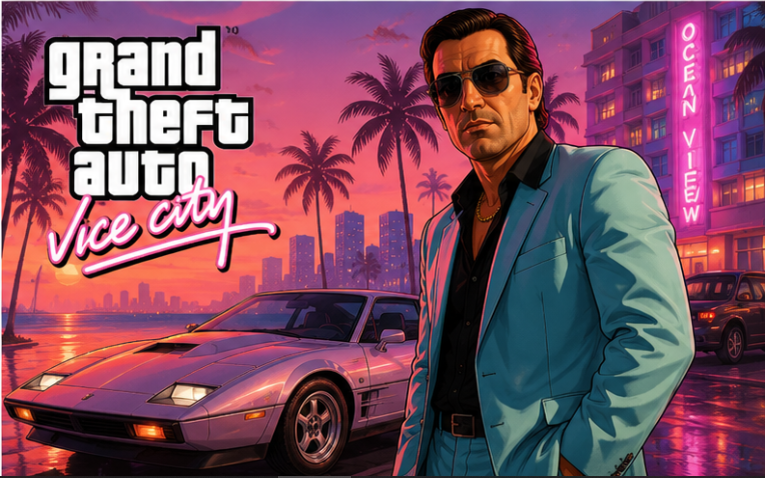
Welcome back to the 1980s. Build your criminal empire, explore the neon streets, and take over Vice City directly in your browser.
Open world • Browser ready • PC controls
Welcome to the neon-soaked streets of Vice City. Your browser adventure starts here.
Launch Vice City directly from Pixadu without leaving the page.
Drive, explore, complete missions, and build your empire across Vice City.
The first launch may require game data to load before the experience begins.
Step into the neon-lit streets of a city inspired by 1980s Miami. Take on missions, discover new areas, drive through the city, and experience the world of Grand Theft Auto: Vice City right from Pixadu.
The first time you launch Vice City, around 600 MB of game data will be downloaded. Future visits will load much faster once the data is cached.
Tap the game screen once after loading to activate the game controls.
Use the Release Cursor option from the game menu to unlock the cursor and get the on-screen joystick working properly.